On Enhanced PAN QRs
The Indian government introduced a QR code on newly issued PAN (Permanent Account Number) cards around 2017 to assist in quick verification at various government outlets.
These QR codes have gone through updates over the years. This post tries to analyse what is actually contained in these QR codes and how they fare in terms of being secure.
PAN QR v1
The first version of the PAN QR code was located on the left side of the physical PAN card. It simply contained the personal details on the PAN card in a key-value form in plaintext. It did not have any sort of cryptographic mechanism that ensured the authenticity of the QR code.
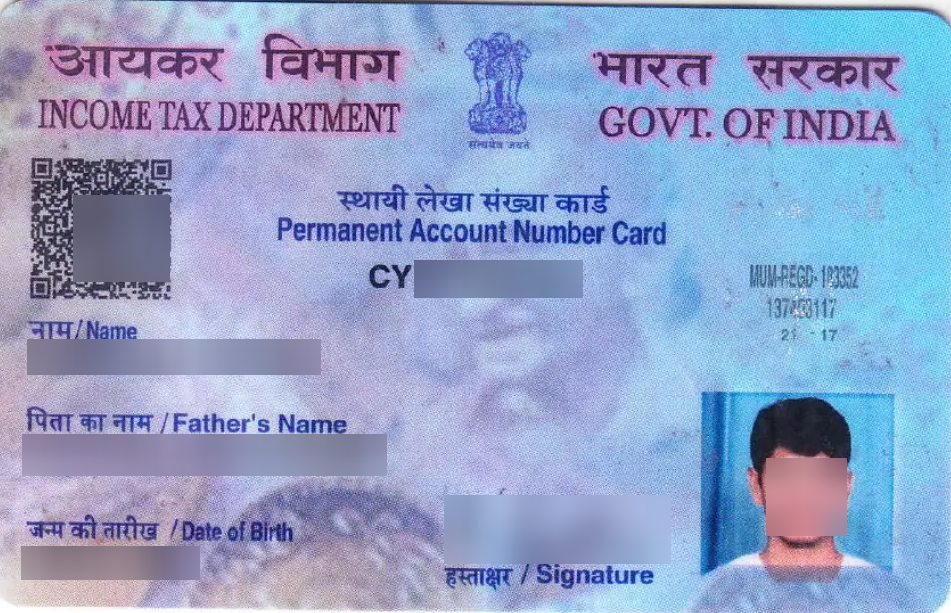
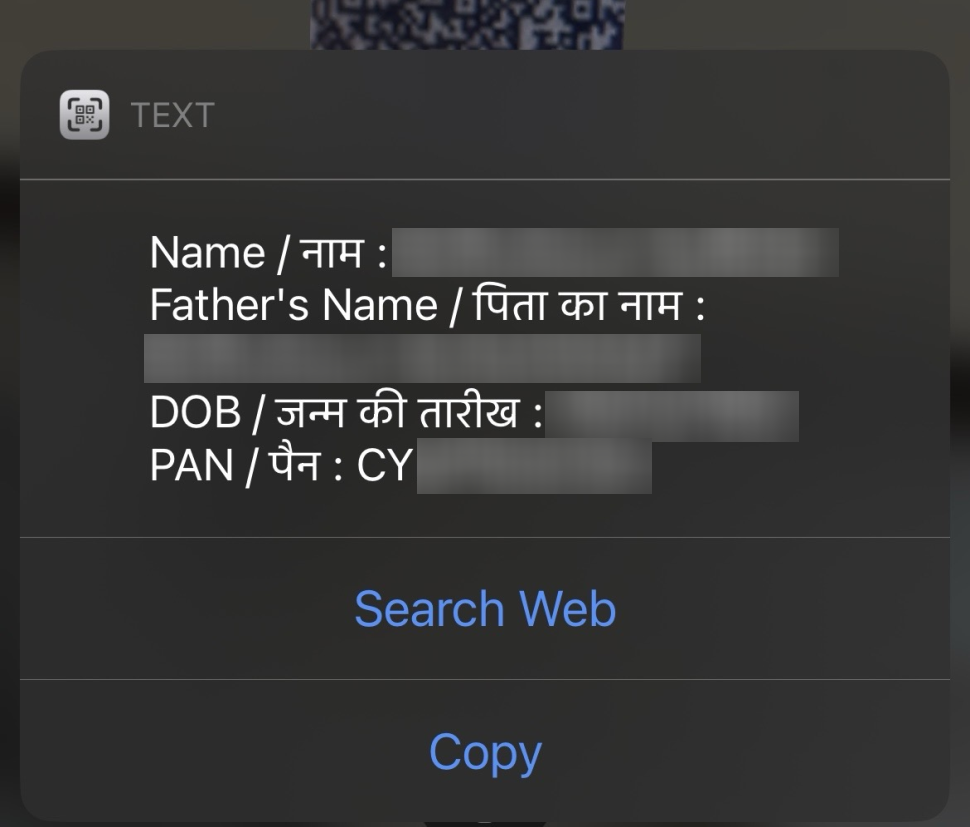
Of course, such a verification mechanism cannot be relied on since it can be very easily altered.
PAN QR v2
The enhanced PAN QR was introduced as an improvement towards the v1 QR code. The protean website describes this QR code containing “encrypted data” that can “only” be read by certified scanners. However, the claim of the QR data being “encrypted” is an inaccuracy as will be shown further.
On first glance, the enhanced QR code seems bigger which means it contains more information than the older version. The new QR code is now at the right side of the PAN card.
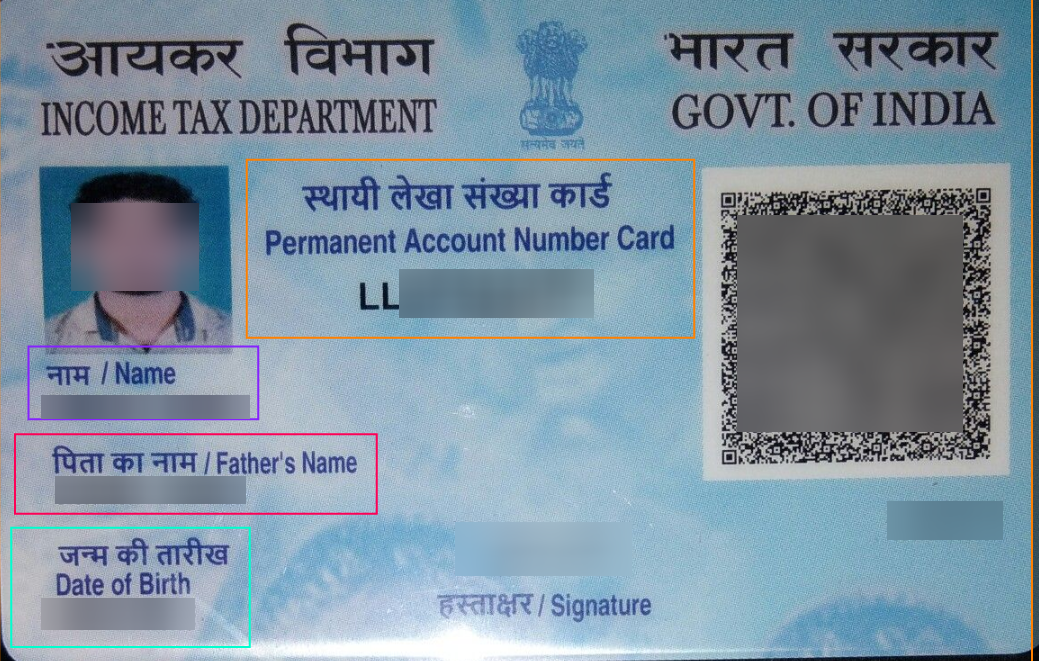
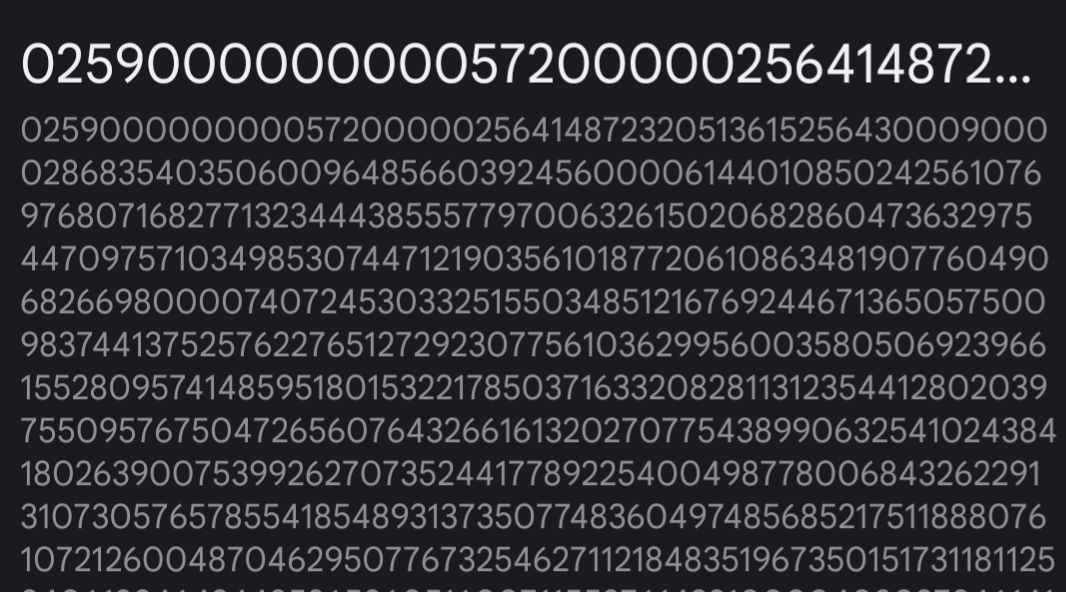
However, the content in the newer QR code seems to just be a very long integer rather than anything that is plaintext.
PAN QR Reader
Protean provides an android app called “PAN QR Code Reader” which allows the reading and parsing of the enhanced QR code. This is obviously the first entry point to figuring out how the enhanced QR codes work.
The obfuscation
The major observation with this application is that it is obfuscated more than normally what such utility apps are and employs a very custom data format for the QR code content.
Many classes contain a custom string encryption method that takes two integer arguments and spits out a string based on some XORs.
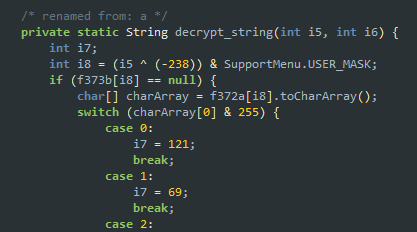
Fortunately, JEB handles this automatically for us and decrypts most of the strings that are used in the logic.

The decryption logic relies on some character arrays that are resolved at the time of loading the particular class inside the <clinit>, logic for which is also obfuscated but not handed gracefully by JEB.
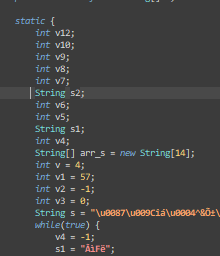
To retrieve desired static variables, frida can be used to hook the
object after the class is instantiated. So reading something like
ClassName.$new()._variable_name should work.
A proof-of-concept repository for parsing and verifying this QR is available at https://github.com/serv0id/OPANqr
The flow
The seemingly integer looking string is passed to the class x1.b, which is a subclass of FilterOutputStream; converts and parses the stream to a byte array through a pseudo-unpacking function x1.b.a. The python port for the function is at https://github.com/serv0id/OPANqr/blob/main/utils/unpacker.py
The method com.pv.scrapi.html.api.PanHtmlApi.decodeQRCode handles parsing the custom data structure that the QR content is after being “unpacked”.
decodeQRCode performs a bunch of checks detailed at https://github.com/serv0id/OPANqr/blob/dd85d86b26742febca869fb37467fd9217fa2283/utils/parser.py#L22 that verifies that the QR version is valid and sets the public key that will be used for the signature verification later.
Through an intricate maze of nested structures detailed at https://github.com/serv0id/OPANqr/blob/main/constants/structs.py, the relevant blocks containing the pictures and personal information are parsed.
The image block deliberately has a bad header for some reason, so the WEBP header is fixed and the image is rendered. (https://github.com/serv0id/OPANqr/blob/main/utils/image.py)
The personal information section is zlib inflated and individual blocks are parsed within. A hacky way with regex is described at https://github.com/serv0id/OPANqr/blob/dd85d86b26742febca869fb37467fd9217fa2283/utils/parser.py#L78
The signature is verified against the chosen public key based on the QR version. The signing algorithm is ECDSA on the curve P-384. (https://github.com/serv0id/OPANqr/blob/main/utils/verifier.py)
Conclusion
All in all, it’s not very clear why a simple task such as parsing and verifying the QR content is obfuscated into custom data structures and protected applications when it is already cryptographically signed and hence resistant to forgery. As long as the private keys are safe, the QR could even have been a plain JSON file containing a signature at the end. It is a fun exercise parsing custom structures regardless.